To determine how to choose a tablet for your family, prioritize features like screen size, battery life, and integrated parental controls to ensure safe use for all ages. You should also consider whether an iPad or Android ecosystem best fits your needs; additionally, look for models with sufficient storage and durable builds for shared household use.
Selecting the perfect tablet often feels like navigating a minefield of technical jargon and overpriced hardware that might not actually fit your daily needs. Whether you are tired of underpowered devices that freeze during homework sessions or you are worried about spending too much on a screen that will inevitably be dropped, the stakes for your family budget are high. In Sanpete County, we value tools that work hard and last long; consequently, choosing the right device requires a balance of performance and durability. This guide simplifies the process by breaking down exactly what matters. You will learn how to identify your primary use case, compare screen sizes for portability, and decide between the iPad and Android ecosystems. We also dive into storage requirements and the essential accessories needed to protect your investment. By the end, you will have a clear roadmap to a purchase that keeps everyone connected.
Why Choosing the Right Tablet Matters for Sanpete Families
In Sanpete County, a tablet serves as more than just a screen for scrolling through social media. It functions as a critical workstation for a student finishing an essay for Manti High, a lifeline for a senior in Ephraim connecting with grandkids via video call, and a reliable entertainment hub during a long drive through the canyon. Because these devices fulfill so many different roles, selecting one based purely on a clearance price or a generic recommendation often leads to long term frustration.
Big box retailers often provide a generic approach that ignores the specific needs of rural Utah families. A device that works fine in a dense city might struggle with specific local connectivity needs or lack the durability required for an active outdoor lifestyle. Learning how to choose a tablet involves looking past the flashy marketing and evaluating how the hardware will perform in your specific household budget and environment.
At All Things Phones, we prioritize knowledgeable assistance to help you navigate these choices. Our focus is on ensuring your investment remains useful for years by matching technical specifications to your family’s actual daily routine. By identifying exactly what you need from a device, you avoid paying for features you will never use while ensuring you have the power necessary for your most important tasks.
Identify Your Primary Use Case Before You Buy

Before looking at specific brands, you must define who will be holding the device most often. A tablet that serves a high schooler is built very differently than one designed for a toddler or a grandparent. Narrowing down the primary user prevents you from overspending on processing power that might go to waste or underspending on a screen that is too small to read comfortably. Determining these categories is the first step in learning how to choose a tablet that provides lasting value.
For students in the South Sanpete School District, the priority is productivity. These users need tablets that support multitasking, allowing them to keep a digital textbook open on one side of the screen while typing a report on the other. Stylus support is another critical factor for students; it allows for handwritten notes and diagramming in math or science classes. Look for devices that offer a detachable keyboard option to bridge the gap between a tablet and a laptop.
Younger children require a focus on physical protection and digital safety. For this group, the hardware must be durable enough to survive a drop on a tile floor. Just as importantly, the software must include robust parental controls. Features like Samsung Kids or Apple’s Screen Time allow parents to set hard limits on usage and block inappropriate content before it ever reaches the screen.
When considering user friendly tablets for seniors, the focus shifts toward visibility and ease of use. Many seniors in our community look for devices primarily to stay connected through video calls or to read digital newspapers. A high resolution screen with adjustable text size is essential. Interface simplicity is key; the best options for seniors often feature large, clear icons and a straightforward navigation system that makes launching a video call to a family member as simple as a single tap. If these configurations seem daunting, our device setup and support services can ensure the tablet is ready to use the moment you get it home.
Understanding Tablet Screen Sizes and Portability
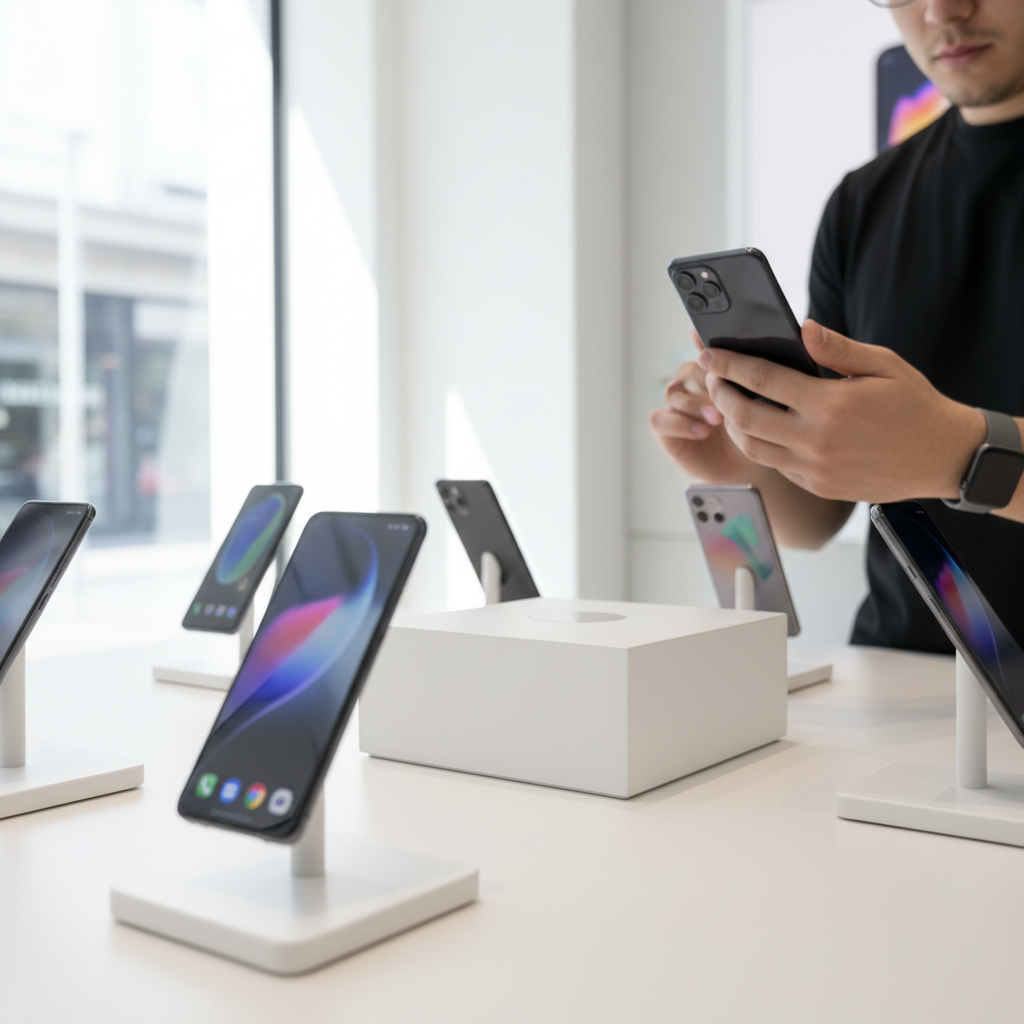
Once you have identified the primary user, the next physical consideration is dimensions. The physical size of a tablet dictates its weight, screen real estate, and how easily it fits into a backpack or purse. When learning how to choose a tablet, most people find that devices fall into three distinct categories based on screen diagonal.
Size Category | Screen Measurement | Primary Use Case |
|---|---|---|
Small | 7 to 8 inches | E-reading, basic navigation, and ultra-portability. |
Medium | 10 to 11 inches | General family use, student productivity, and video streaming. |
Large | 12+ inches | Professional creative work, multitasking, and laptop replacement. |
Small tablets, typically under 8 inches, weigh less than a pound. These are ideal for residents who want a dedicated e-reader for long sessions or a secondary device that fits in a large pocket. However, the medium category, ranging from 10 to 11 inches, is the most popular choice for Sanpete families. This size mirrors the logic found in the Samsung tablet size chart, where the base model provides a balance of screen space and weight. For local students who need to manage digital textbooks alongside a note-taking app, this 10 to 11 inch range offers enough room to view two windows at once without the device becoming too heavy to carry between classes.
Large tablets measuring 12 inches or more are specialized tools. These function best as laptop replacements for business owners or digital artists who require an expansive canvas. While these offer the most power, they are often less practical for casual use on a sofa or during a car ride. Finding the right balance ensures the device stays in use rather than sitting on a shelf. For a hands-on look at these different form factors, you can contact All Things Phones to discuss which dimensions suit your grip and visibility needs.
How to Choose a Tablet with Enough Storage and Power
Determining the internal capacity and connectivity of a device is just as important as the screen size. When customers ask how many GB a good tablet should have, the answer depends on how much content you plan to store locally rather than in the cloud. For casual users who primarily stream video on a home Wi-Fi connection, 64GB is the recommended minimum. Anything less, such as 32GB, often becomes unusable quickly as the operating system and basic app updates consume a significant portion of that space.
If your family frequently visits the Manti-La Sal National Forest or travels through areas with limited reception, your storage needs will increase. When deciding how many GB you should get for a tablet, consider 128GB or 256GB if you plan to download high-definition movies, large games, or offline maps for off-grid trips. Having this extra overhead ensures the device remains functional even when you are miles away from the nearest cell tower or home router.
Usage Type | Recommended Storage | Connectivity Choice |
|---|---|---|
Basic Browsing / Social Media | 64GB | Wi-Fi Only |
Student Work / Productivity | 128GB | Wi-Fi Only |
Travel / Offline Entertainment | 128GB to 256GB | Cellular + Wi-Fi |
Connectivity also plays a major role in rural Utah. A Wi-Fi only model is sufficient for students working at home or in school buildings. However, a cellular model provides a dedicated data connection that is invaluable for local contractors or families who need reliable internet while parked at a trailhead. Knowing how to choose a tablet with the right antenna setup prevents frustration when you leave the city limits. If you are unsure which hardware configuration supports your current mobile data plan, our team provides knowledgeable assistance to help you compare the long-term costs and benefits of each option.
iPad vs Android: Which Operating System Fits Your Family Ecosystem?
Selecting a tablet with the right internal capacity is essential, but the operating system determines how that hardware functions within your existing home network. When considering how to choose a tablet, you must look at how the software interacts with the smartphones your family already carries. Most local households choose between Apple’s iPadOS and the Android platform found on Samsung devices. The most efficient choice usually aligns with the brands you already own to ensure a seamless transition between screens.
Apple’s ecosystem is built around tight integration. If your household primarily uses iPhones, an iPad allows you to share apps, movies, and iCloud storage through Family Sharing. This feature is particularly useful for parents who want to approve app purchases or downloads directly from their own phones. Furthermore, Apple’s Screen Time provides granular control over how long a child can use specific apps, making it easier to manage digital habits during the busy school week. These devices are often preferred by those who value a standardized interface and long-term software update support.
Samsung tablets running Android offer a different set of advantages, particularly regarding flexibility. For families using Android phones, Google’s Family Link provides robust oversight, allowing parents to set digital ground rules and monitor app usage. Samsung specifically adds Kids Mode, a dedicated interface that transforms the tablet into a safe, simplified environment for younger children. This mode restricts access to the broader web and standard apps, ensuring the device remains a learning tool rather than a portal to the open internet. Android tablets also frequently offer more options for users who prefer to customize their home screens or file management systems.
Feature | Apple iPadOS | Android (Samsung) |
|---|---|---|
Primary Parental Tool | Screen Time | Family Link and Samsung Kids |
Shared Purchases | Apple Family Sharing | Google Play Family Library |
Device Integration | Best with iPhone and Mac | Best with Android and Windows |
Interface Style | Consistent and Simple | Flexible and Customizable |
Matching your tablet to your phone brand minimizes the learning curve and prevents you from buying the same digital content twice. If you are unsure which software environment best serves your needs, our team provides knowledgeable assistance to help you compare the user interfaces side by side. We can also help with device setup and support services to ensure your new tablet complements your current technology rather than complicating it.
Essential Accessories for Protecting Your Investment
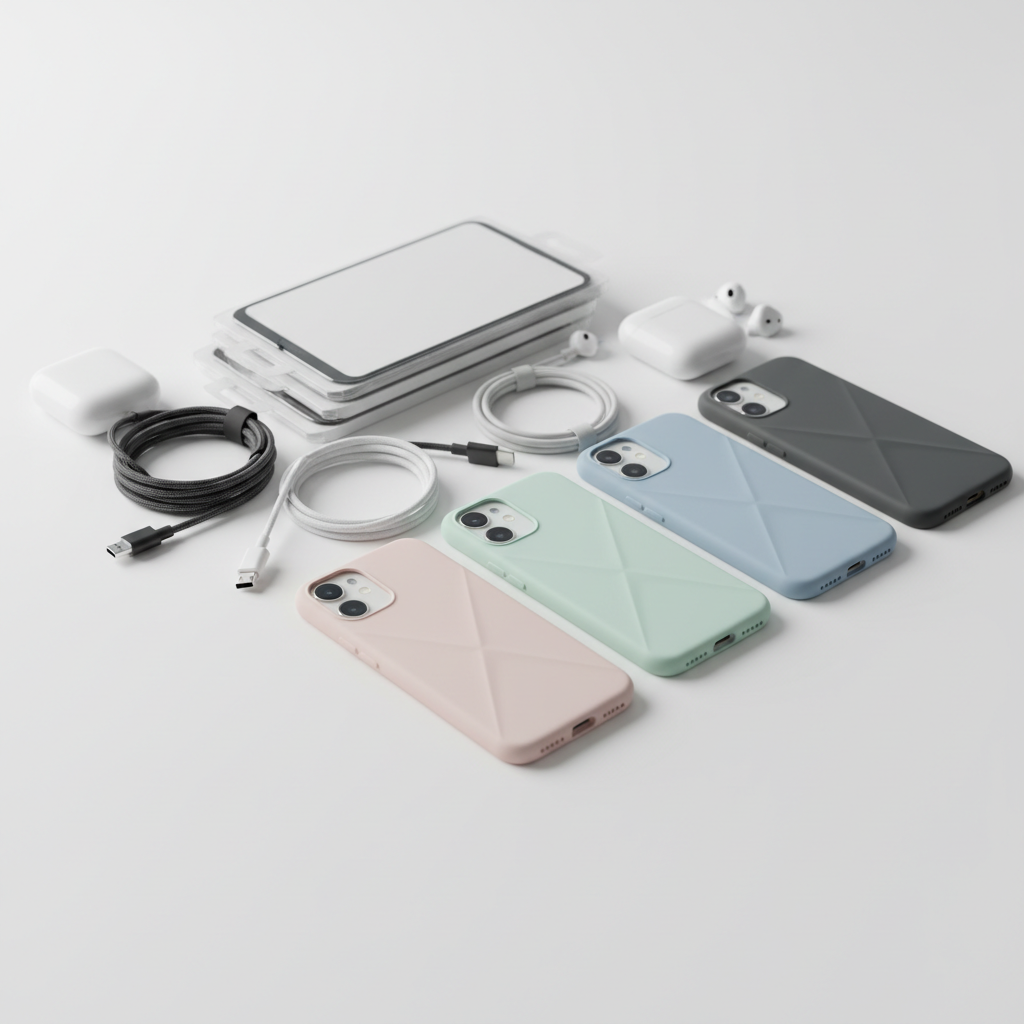
Investing in hardware is only the first part of the equation. A high quality tablet is a significant purchase, and protecting that investment with the right accessories is what ensures the device lasts for several years rather than months. In a household with children or active adults, a case and a tempered glass screen protector are non negotiable items. A screen protector acts as a sacrificial layer against scratches and impact, while a durable case provides the necessary shock absorption for accidental drops on hard kitchen tile or concrete sidewalks.
Sanpete families often require protection that goes beyond the basic covers found at generic retailers. For those who take their devices into the Manti-La Sal National Forest or use them on local job sites, a rugged, multi layer case is essential to keep out dust and prevent frame damage. Students at Snow College or local high schools should prioritize a keyboard folio. This accessory transforms the tablet into a functional laptop replacement, making it easier to type long reports without the bulk of a full computer.
Selecting the right add ons is a critical step in learning how to choose a tablet that remains reliable. These items do more than just change the look of your device; they extend its usable life and preserve its future trade in value. If you need help finding a fit for a specific model, you can contact All Things Phones for knowledgeable assistance in selecting gear that balances protection with portability.
Easy Setup and Support at All Things Phones

Selecting the hardware is only the first step in the journey of how to choose a tablet. While large online retailers deliver a box to your door and expect you to handle the rest, the technical reality of modern devices can be overwhelming. Configuring a new tablet involves more than just turning it on. You must often transfer gigabytes of photos from an old device, link existing cloud accounts, and properly configure parental controls to ensure your children are safe online from day one.
At All Things Phones, we bridge this technical gap with hands-on device setup and support services. Our team handles the tedious parts of the transition, including creating child-specific accounts and ensuring your apps are synced and ready to use. If you are upgrading from an older model, we offer device trade-in options that can significantly lower the final price of your new purchase.
This local approach provides a level of knowledgeable assistance that big-box websites cannot replicate. Instead of spending your evening troubleshooting software updates or recovery passwords, you can leave our shop with a fully functional tool tailored to your family's needs. If you have questions about specific models or trade-in values, you can contact All Things Phones to speak with a local expert today.