Protect your device by enabling biometric locks, using strong passwords, and keeping your software updated to patch vulnerabilities. These essential smartphone security tips also include sticking to official app stores and enabling remote tracking features to secure your data from hackers or theft.
Your smartphone is no longer just a communication tool; it is a digital vault containing your banking details, private photos, and sensitive credentials. For residents in Sanpete County and beyond, the threat of a security breach is a constant reality that can lead to devastating financial loss or identity theft. A single compromised app or a moment of physical theft can expose your entire life to malicious actors. This guide provides a comprehensive roadmap to fortifying your mobile defense. We will explore the critical importance of biometric security, identify the subtle warning signs of a hacked device, and outline exact steps to take if your phone disappears. From advanced software hygiene to specific tips for seniors, you will learn how to block modern scams and maintain total control over your digital footprint.
Why Smartphone Security Matters More Than Ever in Sanpete County
Think about your smartphone for a second. It is no longer just a communication tool. It functions as your mobile bank branch, your primary photo album, and often your digital personal ID. Because so much of your life is stored in one hand-held device, understanding modern smartphone security tips is vital for every user in our community.
Living in Sanpete County, we often enjoy a sense of safety and community that is hard to find elsewhere. We might not worry about locking our front doors every minute, but digital threats like phishing and data theft do not respect county lines or geographic borders. A scammer in a different time zone can access your sensitive information just as easily as if they were sitting next to you at a local cafe.
At All Things Phones, we see ourselves as more than just a retail store. We are your local experts dedicated to helping our neighbors secure their digital lives. If you need device setup and support or want to learn more about our local shop, our goal is to ensure your technology serves you safely. If you are concerned about your current settings, you can contact us for a security check to ensure your data remains private. Protecting your device is about more than just hardware; it is about safeguarding your identity and your family's memories.
The First Line of Defense: Locking Your Device and Using Biometrics
The most fundamental step you can take to secure your device is activating a robust screen lock. While it might seem like a minor hurdle, it is the barrier that prevents a stranger from accessing your bank apps or personal messages if you leave your phone on a counter at a local grocery store or cafe.
When choosing a lock method, the type of code matters. We always recommend a 6-digit PIN over the standard 4-digit option. Moving to six digits increases the number of possible combinations from 10,000 to one million, making it significantly harder for someone to guess. Pattern locks are another common choice, but they can be surprisingly vulnerable. Smudges left on the screen often trace your pattern clearly, providing a visual map for anyone who picks up your phone.
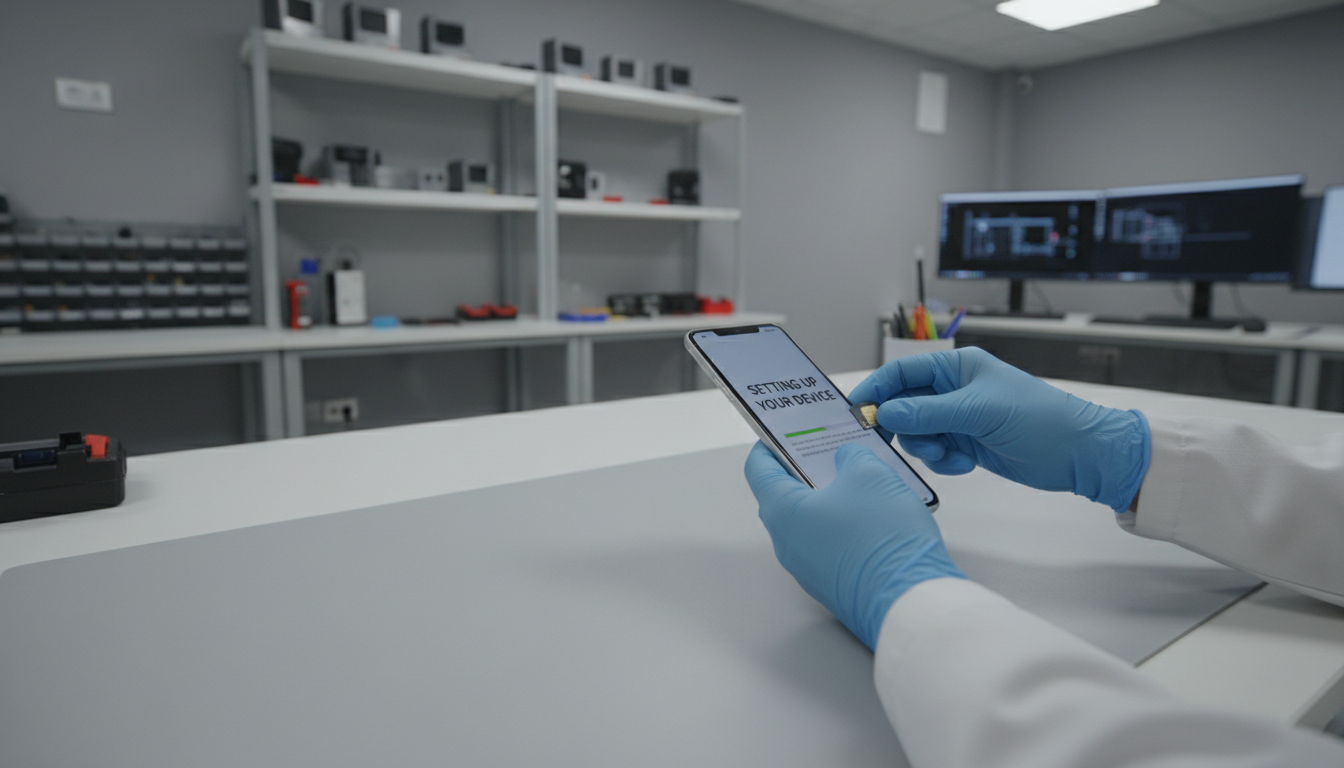
Biometric security, such as fingerprint scanners and facial recognition, offers a superior blend of protection and ease. These methods are not just for convenience; they effectively eliminate the risk of shoulder surfing. This occurs when someone watches you enter your code over your shoulder in a public place. If you need help configuring these settings, our team provides device setup and support to ensure your biometrics are registered correctly.
Finally, check your screen timeout settings. We advise setting your screen to lock automatically after 30 seconds of inactivity or less. A longer timeout window leaves your data exposed if you are momentarily distracted or if the device is snatched while the screen is still active. Implementing these simple smartphone security tips creates a solid foundation for your digital safety.
10 Signs Your Phone Might Be Hacked
Even with a strong PIN and active biometrics, your device can still face internal threats from malicious software. Identifying a compromise is often difficult because modern malware is designed to stay hidden, but your hardware will usually provide subtle clues when something is wrong. Many local residents visit our shop asking how they can tell if their privacy has been breached. If you notice these ten signs, your phone might be compromised:
Rapid battery drain: If your battery life drops significantly without a change in your usage habits, malicious software may be running constantly.
Excessive heat: A phone that feels hot to the touch while sitting idle is often struggling to process hidden background tasks.
Spikes in data usage: Hackers frequently use your mobile data to transmit stolen information to remote servers.
Unfamiliar apps: Check your home screen and settings for icons you do not recognize; these are often installed silently by malicious websites.
Strange pop-ups: Persistent, flashy advertisements or fake system warnings often indicate adware has been installed.
Unauthorized activity: Regularly check your history for outgoing texts, emails, or calls that you did not initiate.
Decreased performance: Malware consumes system resources, leading to significant lag, freezing, or frequent app crashes.
Mysterious account activity: Login alerts for your email or social media originating from new locations suggest your phone’s stored credentials are compromised.
Unexpected restarts: A device that reboots itself without your input may be struggling with conflicting malicious code.
Settings changes: Watch for your camera, microphone, or location permissions turning on by themselves.
These symptoms are signals that background processes are running without your consent. If you see two or more of these indicators, we recommend you contact us for a security check immediately. Monitoring your device for these red flags is one of the most practical smartphone security tips for preventing identity theft. Our team at All Things Phones can help you audit your installed software and restore your device to a safe state.
How to Block Hackers and Avoid Mobile Scams
Blocking hackers requires moving beyond passive defenses and actively recognizing the psychological tricks scammers use. The most prevalent threat currently is smishing, or SMS phishing. You might receive a text message claiming a delivery service has a package waiting for you or that your bank account has been locked due to suspicious activity. These messages are designed to create a sense of urgency, prompting you to click a link that leads to a fraudulent website. A good rule of thumb is to never click a link in a text message. Instead, navigate to the company’s official app or website independently to check your status.
Many customers ask us: can a scammer access my bank account with just my phone number? While a phone number alone is not enough to log in, it is a significant piece of the puzzle. Scammers can use your number to perform a SIM swap, where they convince a mobile carrier to move your service to a device they control. Once they have control of your number, they can trigger password resets on your financial accounts and intercept the confirmation codes sent via text.
To mitigate this risk, we recommend moving away from SMS-based two-factor authentication. Using an authenticator app, such as Google Authenticator or Authy, is a much safer alternative. These apps generate time-sensitive codes directly on your hardware, making it impossible for a remote hacker to intercept them through the cellular network. Transitioning to app-based security is one of the most impactful smartphone security tips you can implement. If you are unsure how to transition your accounts, our team offers device setup and support to ensure your most sensitive information is locked down tight.
Lost or Stolen: How to Protect Your Data If Your Phone Disappears
Securing your digital accounts is critical, but physical loss presents a different set of challenges. If your phone slips out of your pocket during a hike in the Manti-La Sal National Forest or gets misplaced at a local community event, you need a recovery plan already in place. Both major platforms offer robust tracking tools, but they must be activated before the device disappears.
For Apple users, the Find My network is the standard. On an iPhone, go to Settings, tap your name, then Find My, and ensure Find My iPhone is toggled on. Android users utilize Find My Device through Google. To enable this, open Settings, tap Google, and select Find My Device to toggle the feature on. These tools allow you to locate the hardware on a map or play a sound to find it nearby.
Beyond tracking, maintaining consistent cloud backups via iCloud or Google One is one of the most vital smartphone security tips. A backup ensures that even if the hardware is gone forever, your family photos and business contacts remain accessible. If you are certain the device cannot be recovered, use the Remote Wipe feature within these tracking apps. This is the nuclear option that erases all personal data from the phone remotely, ensuring your privacy remains intact. If you need help configuring these accounts, our team provides device setup and support to ensure your data is always mirrored and protected.
Smartphone Security Tips for Seniors: Staying Safe Online

While the digital world moves fast, one of the most effective smartphone security tips for seniors is simply to slow down. Scammers count on urgency to trick people into making mistakes. Before you tap a link in a text or email, take a moment to look at the sender's details. If an offer seems too good to be true or a message warns of a problem you did not expect, it is likely a scam.
To prevent accidental taps, we recommend simplifying your phone's interface. Increasing the icon and font size while removing unused apps from your home screen can significantly reduce the risk of clicking on something you did not intend to open. A clean, organized screen makes navigation much safer. If you need help organizing your screen or adjusting these visibility settings, our team provides device setup and support to make your phone more user friendly.
Be cautious with connectivity. Avoid logging into bank accounts or shopping apps while using public Wi-Fi at a library or cafe unless you are using a Virtual Private Network (VPN). Public networks are often unsecured, making it easy for hackers to see what you are doing. Lastly, remember that legitimate companies like Amazon, Microsoft, or your bank will never call you unexpectedly to ask for remote access to your phone. If someone asks you to download software so they can fix your device, hang up immediately and contact us for a security check to verify your phone's safety.
Software Hygiene: The Role of Updates and Official App Stores
Maintaining software hygiene is just as important as physical protection. Many people treat update notifications as a nuisance, frequently selecting "Remind me later" to avoid a brief interruption. This habit is a significant security risk. Software updates often include critical patches for vulnerabilities that hackers actively exploit to gain unauthorized access. By delaying these updates, you leave a digital door unlocked.
Stick exclusively to the Apple App Store or Google Play Store for new downloads. These platforms vet apps for malicious code before they reach your screen. Avoid sideloading, which is the practice of installing apps from third party websites or unofficial sources. Sideloading is a primary method for malware to enter mobile devices because these apps bypass the rigorous security screenings of official stores. If you are unsure if your phone is running the latest version, stop by the shop or contact us for a security check. Our team can verify your operating system is current and help you implement these smartphone security tips effectively.